 kōan
Apple TV
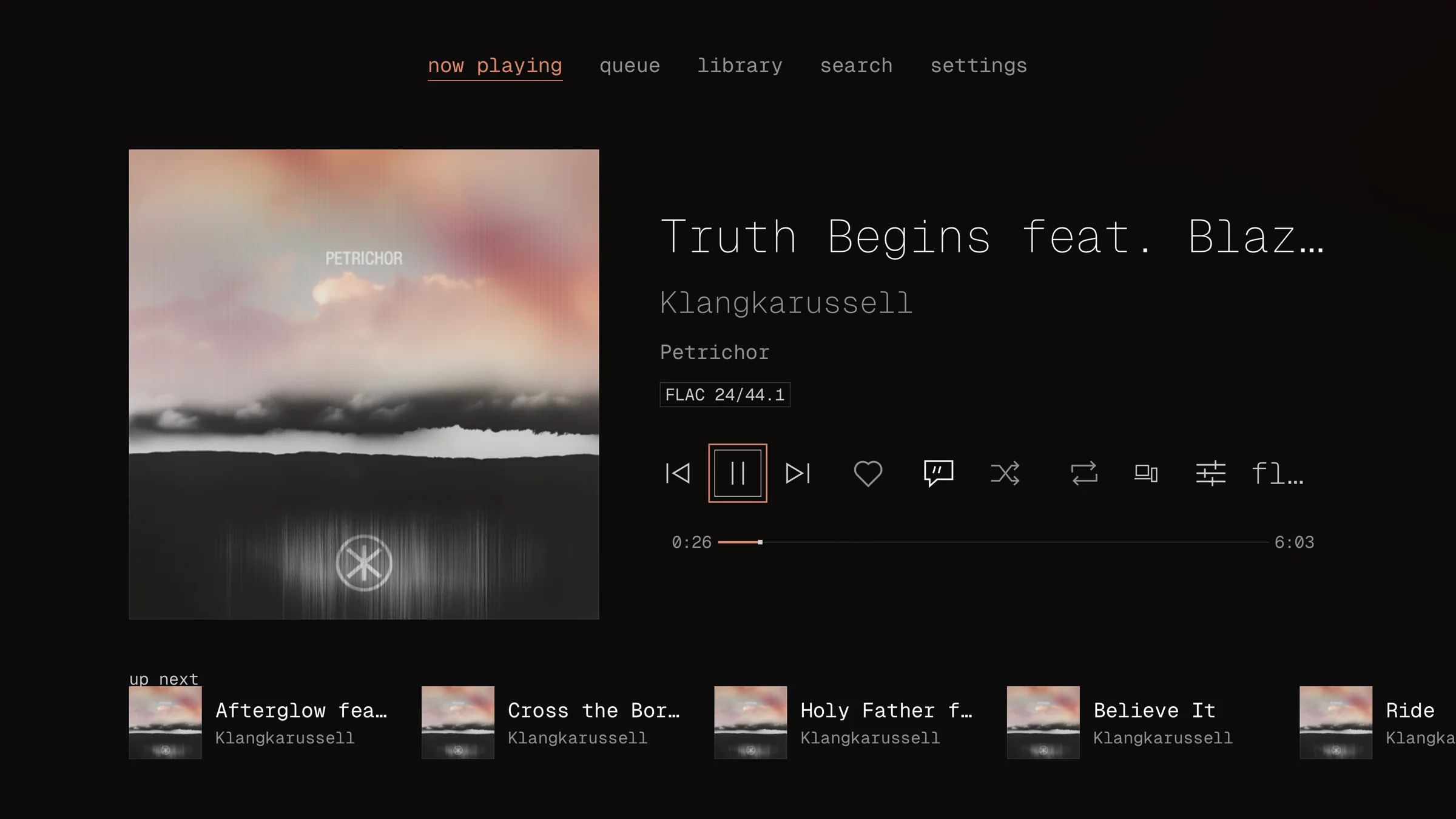
kōan on Apple TV is the iOS app's engine and pages, built around the remote: Now Playing first, the tabs across the top, and a long press for a row's menu. The tabs show at a tab's root and fade out on a page opened from it, as the system's tab bar does, keeping their room so the page does not move; Menu goes back to them. It is mostly something your phone or Mac plays to, through Control, and it plays gaplessly from your server through HDMI. It needs tvOS 26, and is in public beta on TestFlight, with the iOS app, until it is on the App Store; just tv-device builds it onto an Apple TV paired with Xcode.
Signing in
A television has no keyboard worth typing a password on, so it is signed in from a device that is already signed in.
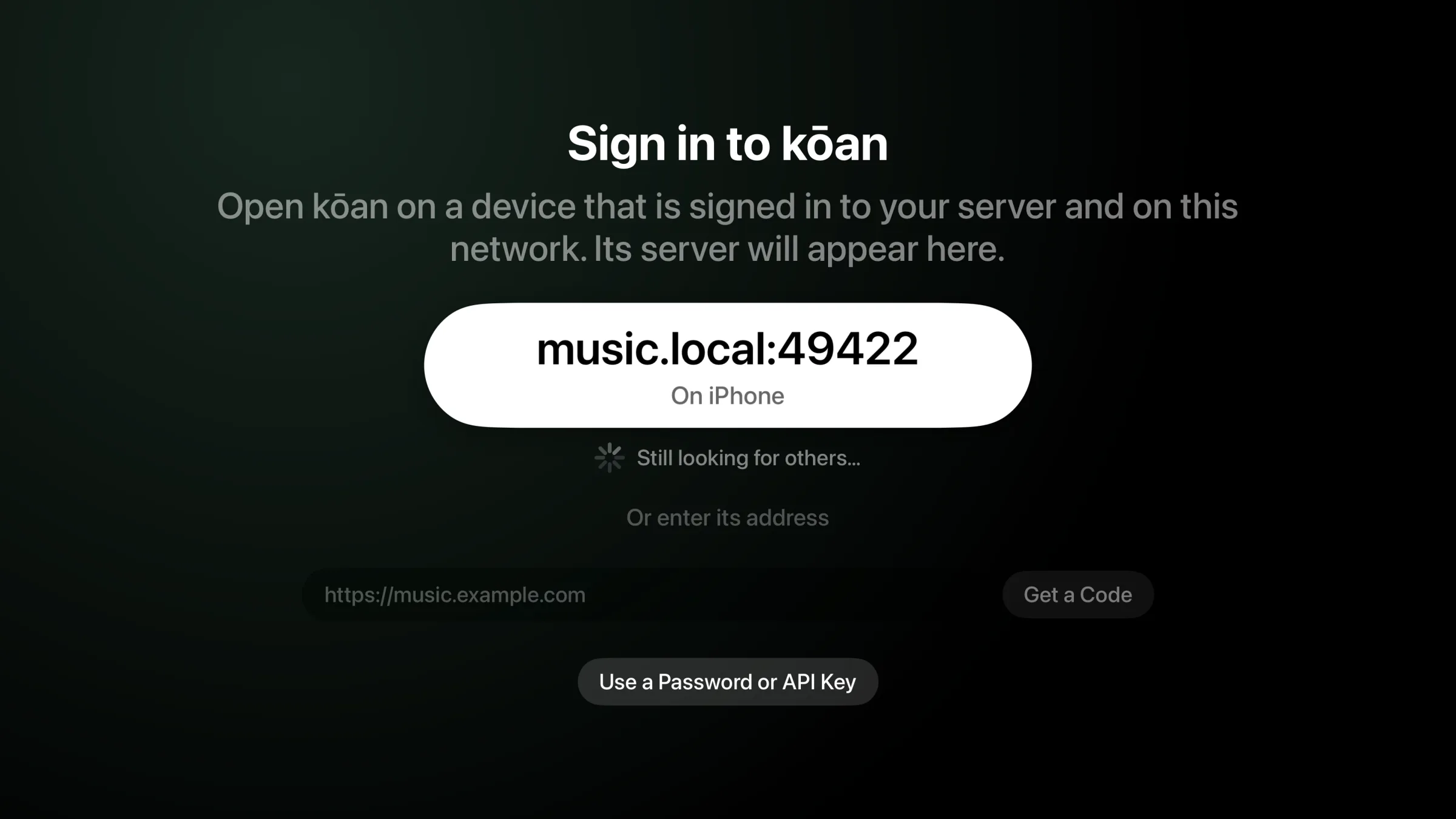
It finds your server. Open kōan on a phone or Mac that is signed in and on the same network. The TV lists the server that device uses; press it. A device that is not discoverable (Settings → Devices) does not announce its server, and the address can always be typed instead.
It shows a code. The TV asks your server for a pairing and shows it as a QR code and an eight-character code.
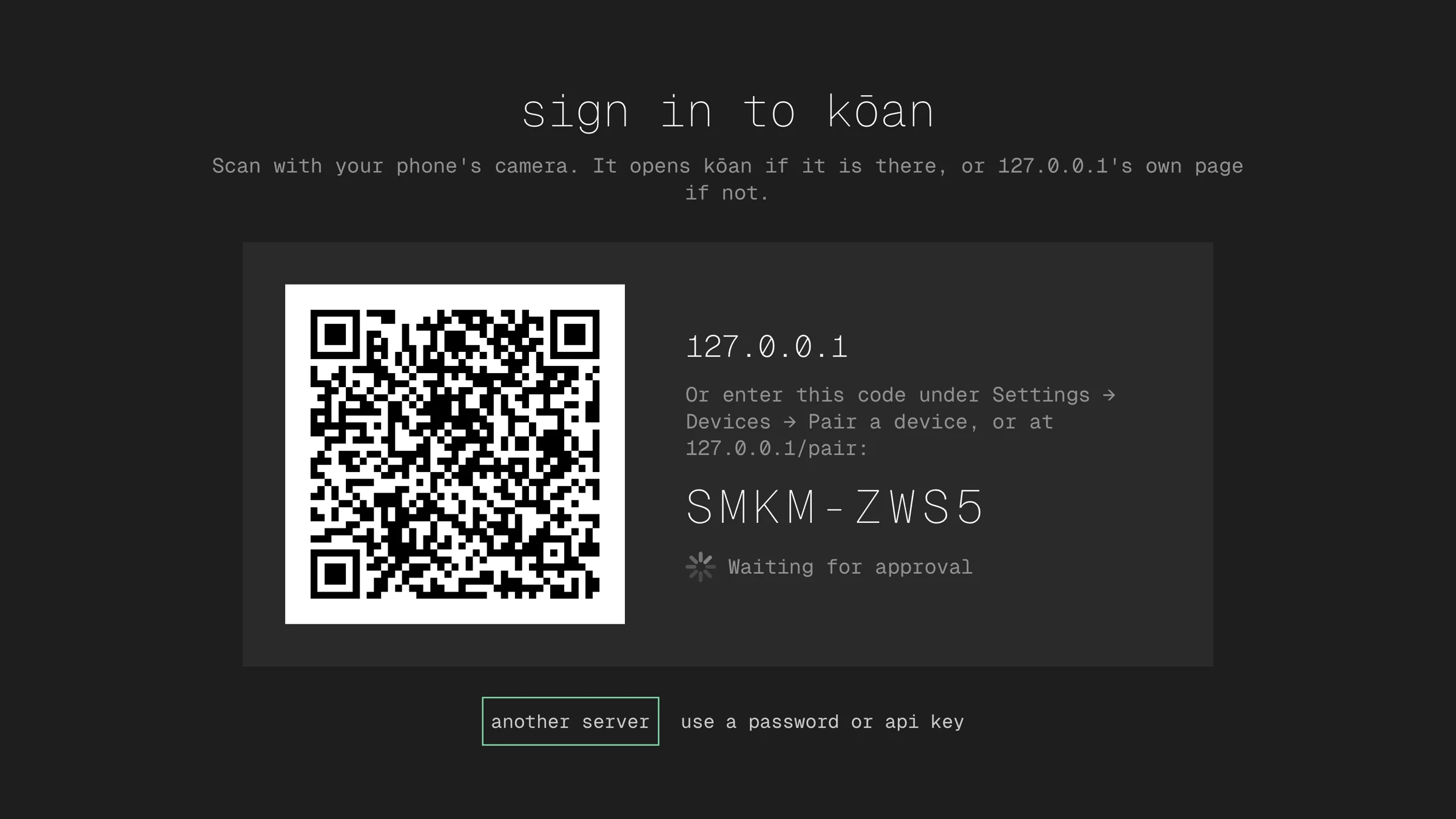
You approve it. Scan the QR code with your phone's camera. With kōan on the phone, it asks whether to sign the TV in, and says where the request came from. Without kōan, the link opens your server's own page in the browser: sign in there and approve it. The code can also be typed under Settings → Devices → Pair a device on a phone or Mac, or at your server's
/pairpage.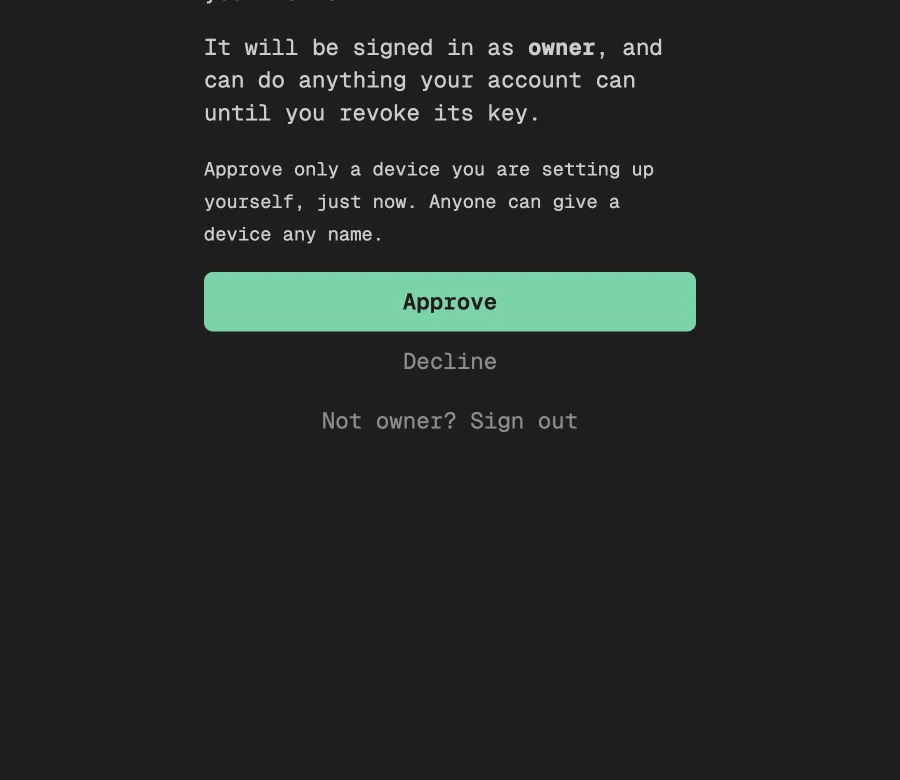
It is signed in. The TV hears the answer at once, signs in with a key of its own on your account, and loads your library. The key can be revoked from the server like any other. Until something is played to it, Now Playing says how.
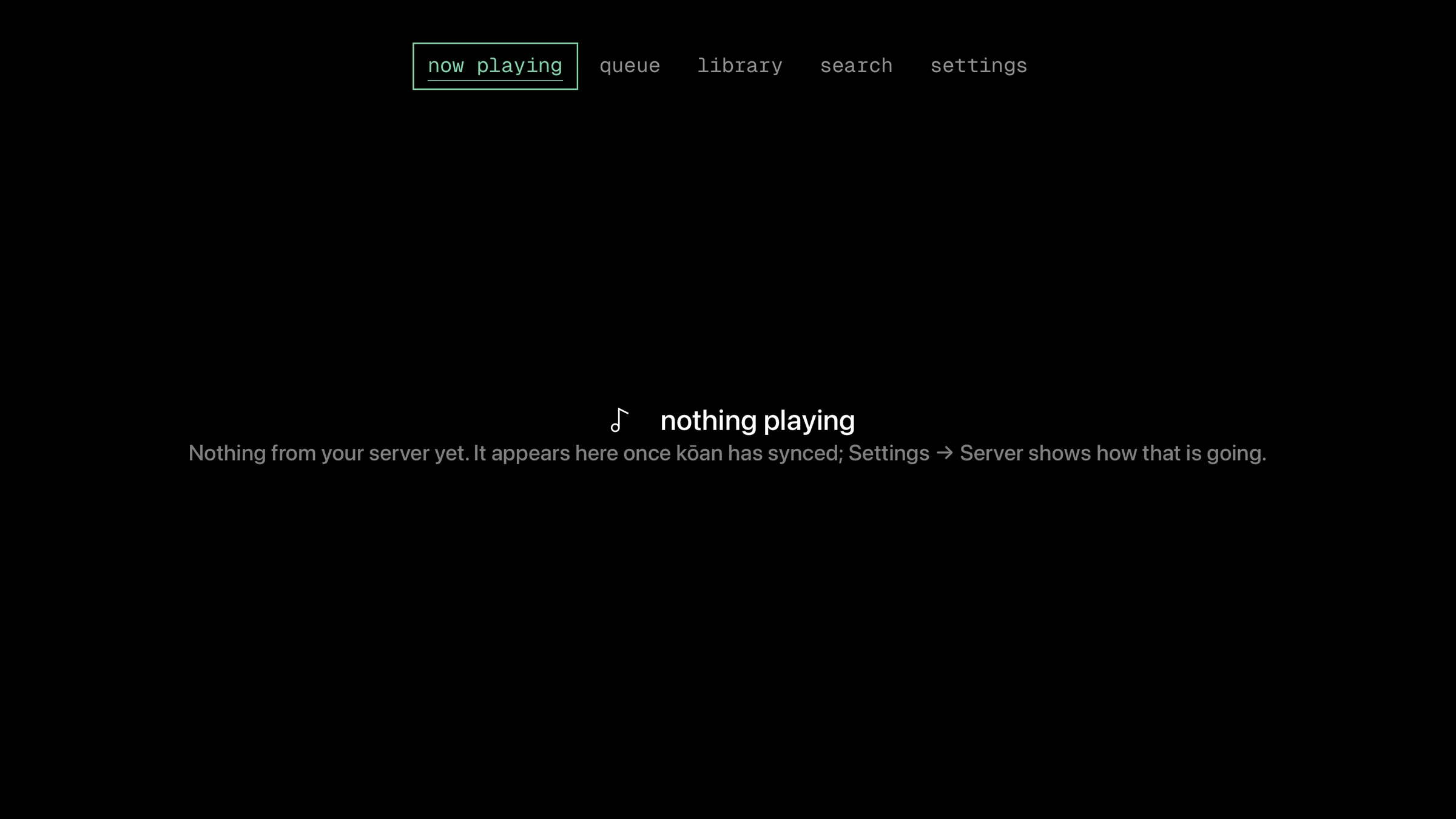
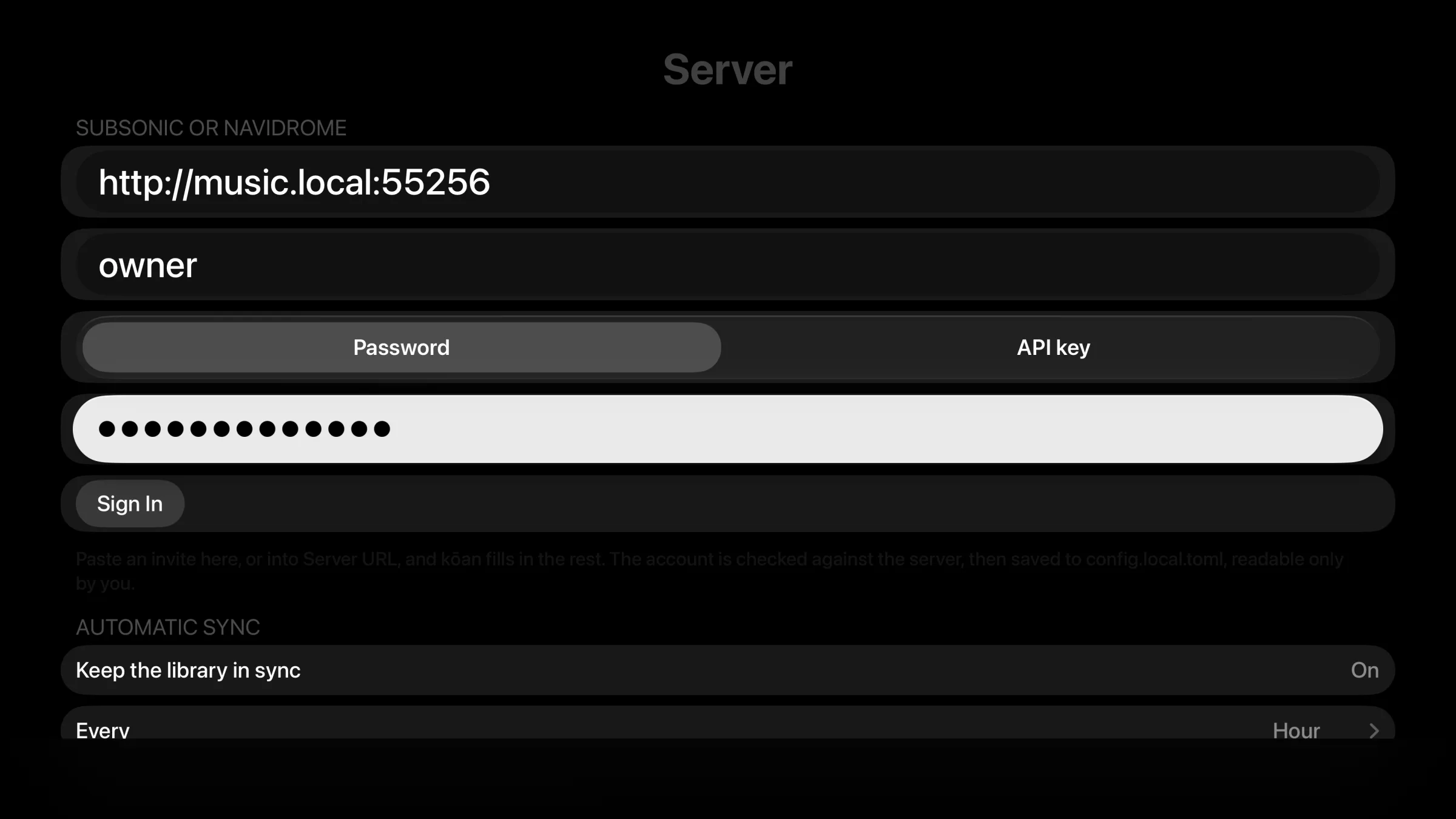
Pairing needs a kōan server from 0.54.0 on. For any other OpenSubsonic server, "Use a Password or API Key" signs in with an account's password, an API key, or a kōan invite link pasted from a phone.
The QR code's link goes through koan.rocks only so that a scan opens kōan on the phone. The server's address and the pairing are in the part of the link after the #, which a browser does not send, so koan.rocks never sees them.
Finding music
The Library tab lists albums, artists, favourites, playlists, recently played, what is downloaded and the history. Tracks are listed from a shelf's or a search's "See all", filtered. On the album, artist and track listings, the filters and the sort sit in a row above the listing; move up from the first row to reach them. Albums, Artists, History and Playlists also have a field above the listing that narrows it by name.
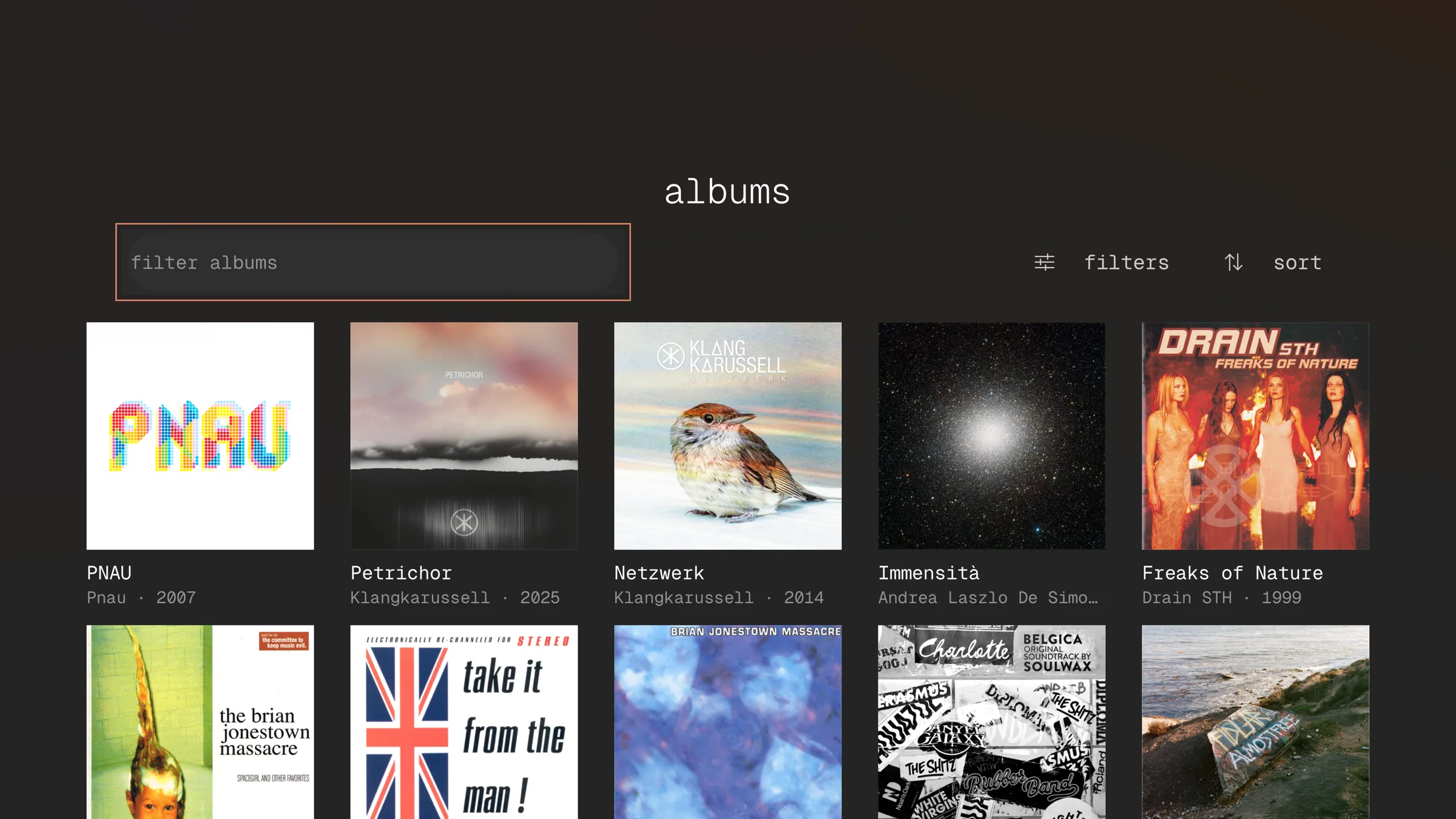
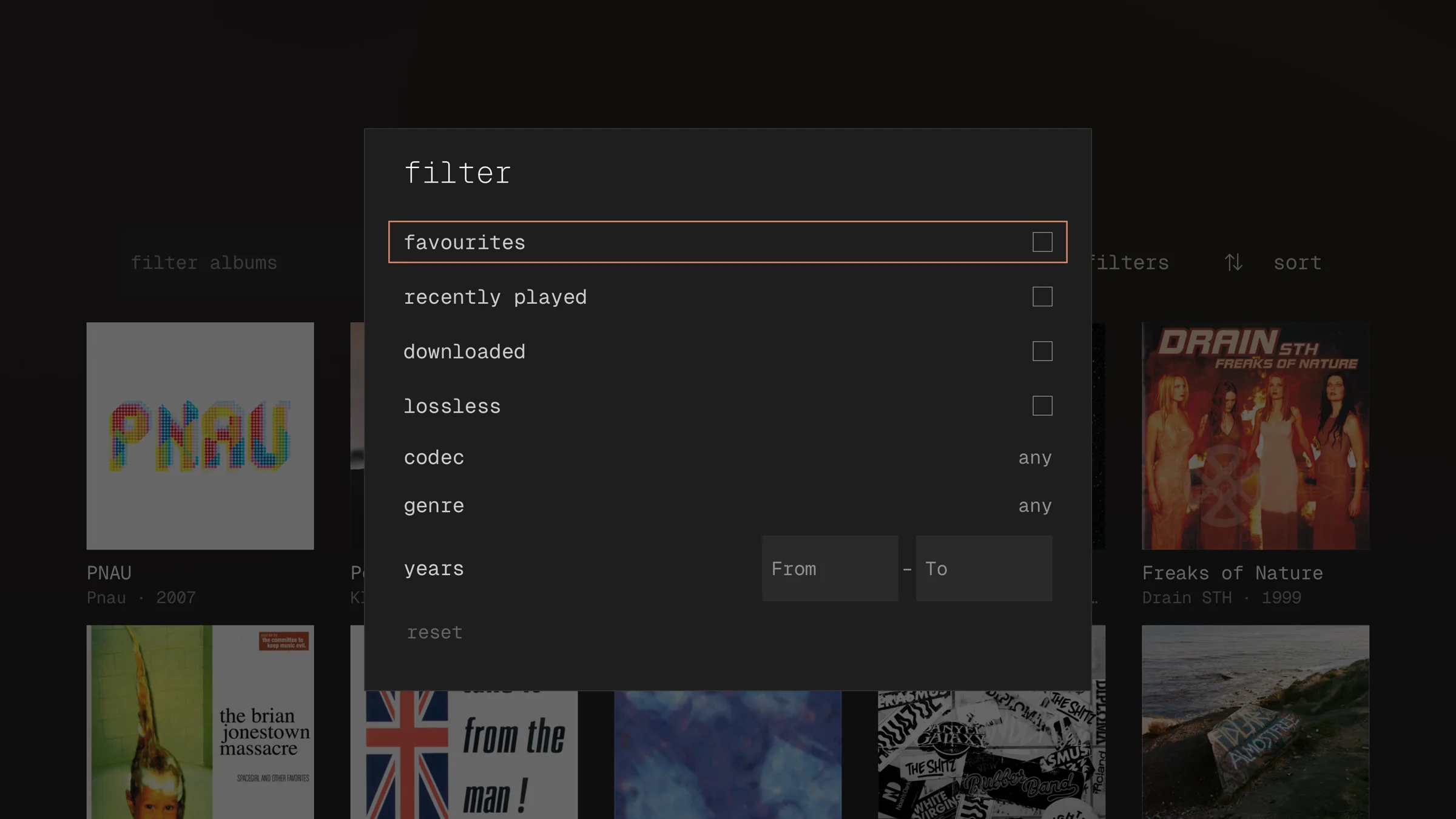
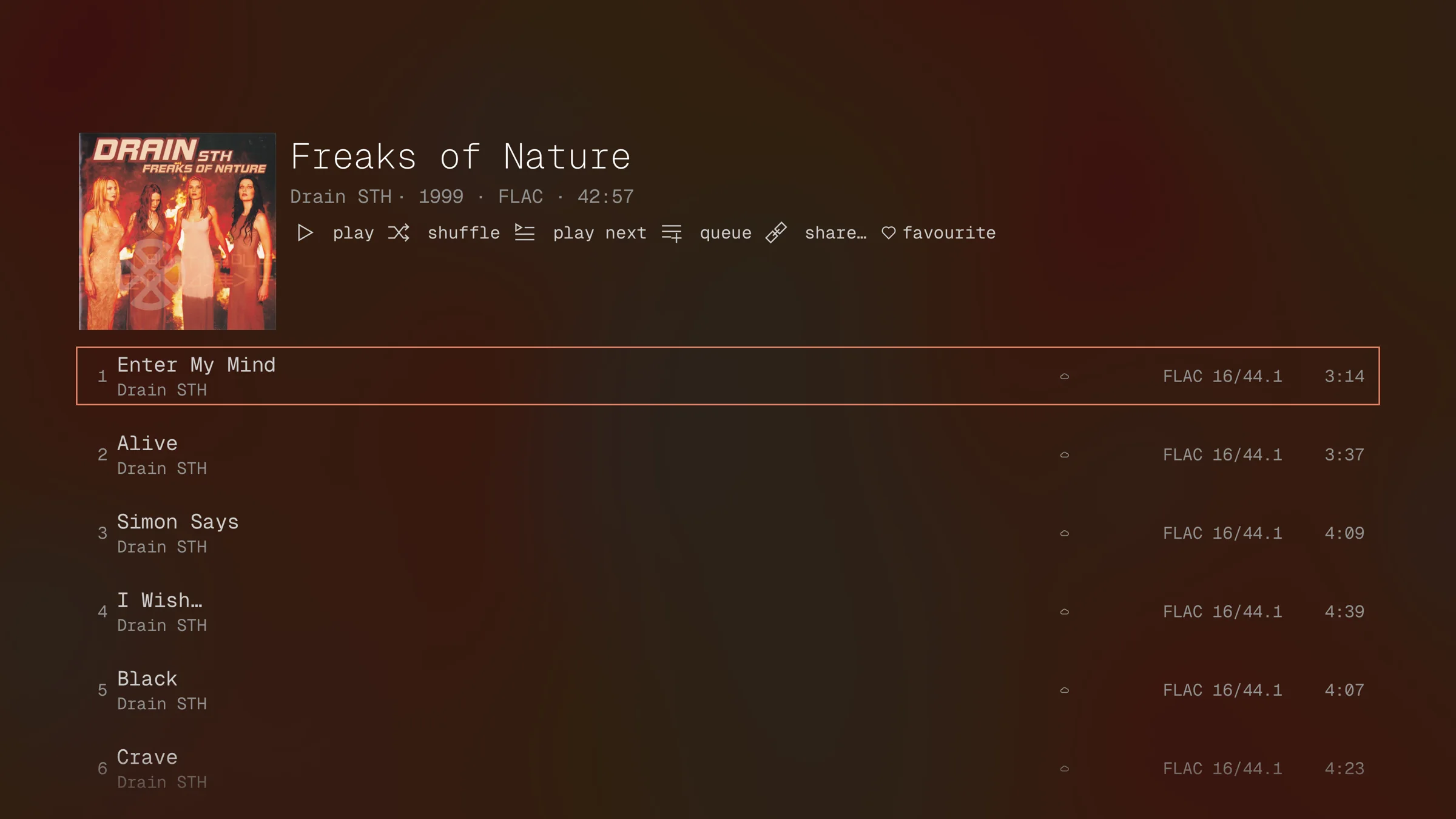
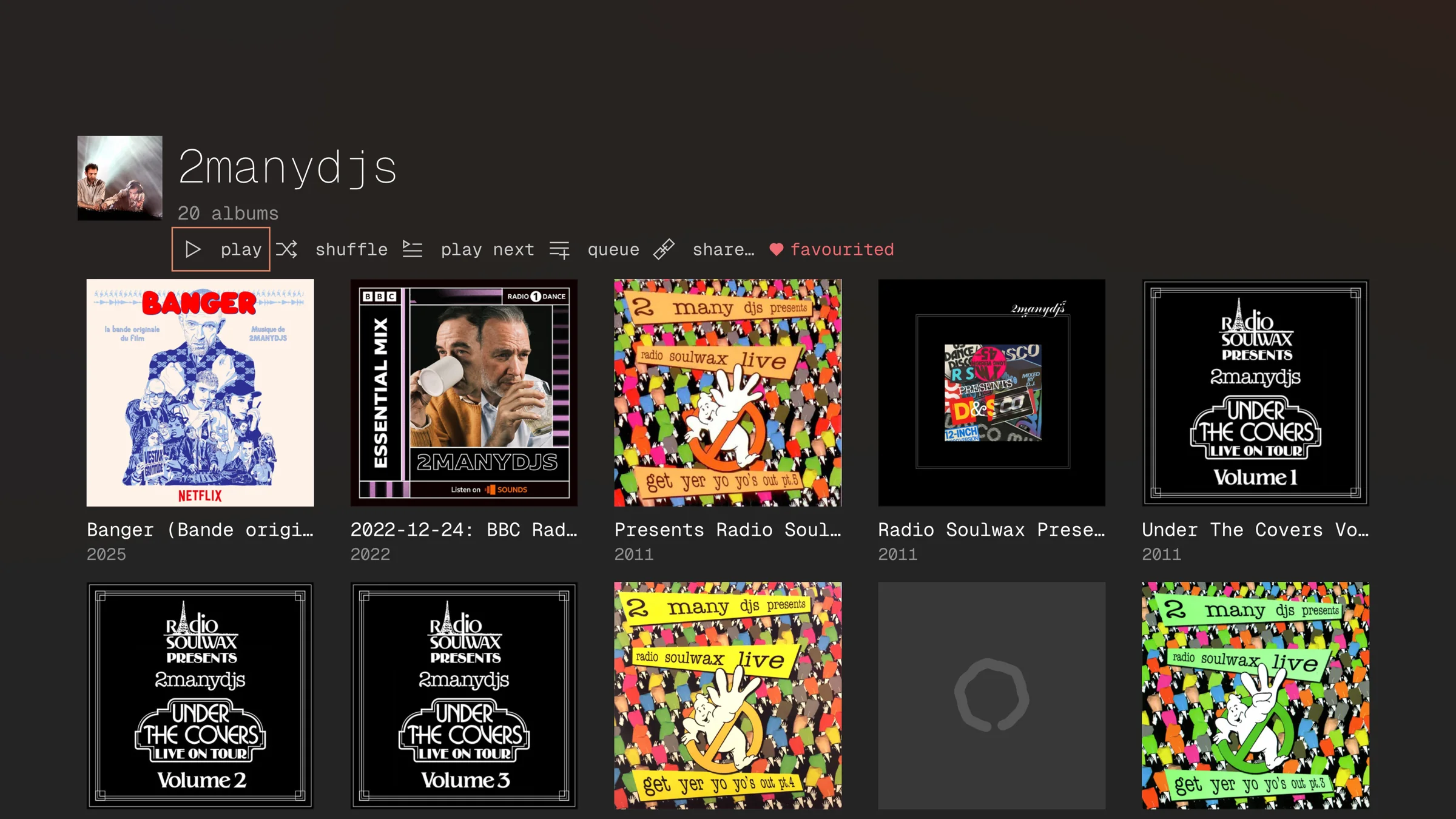
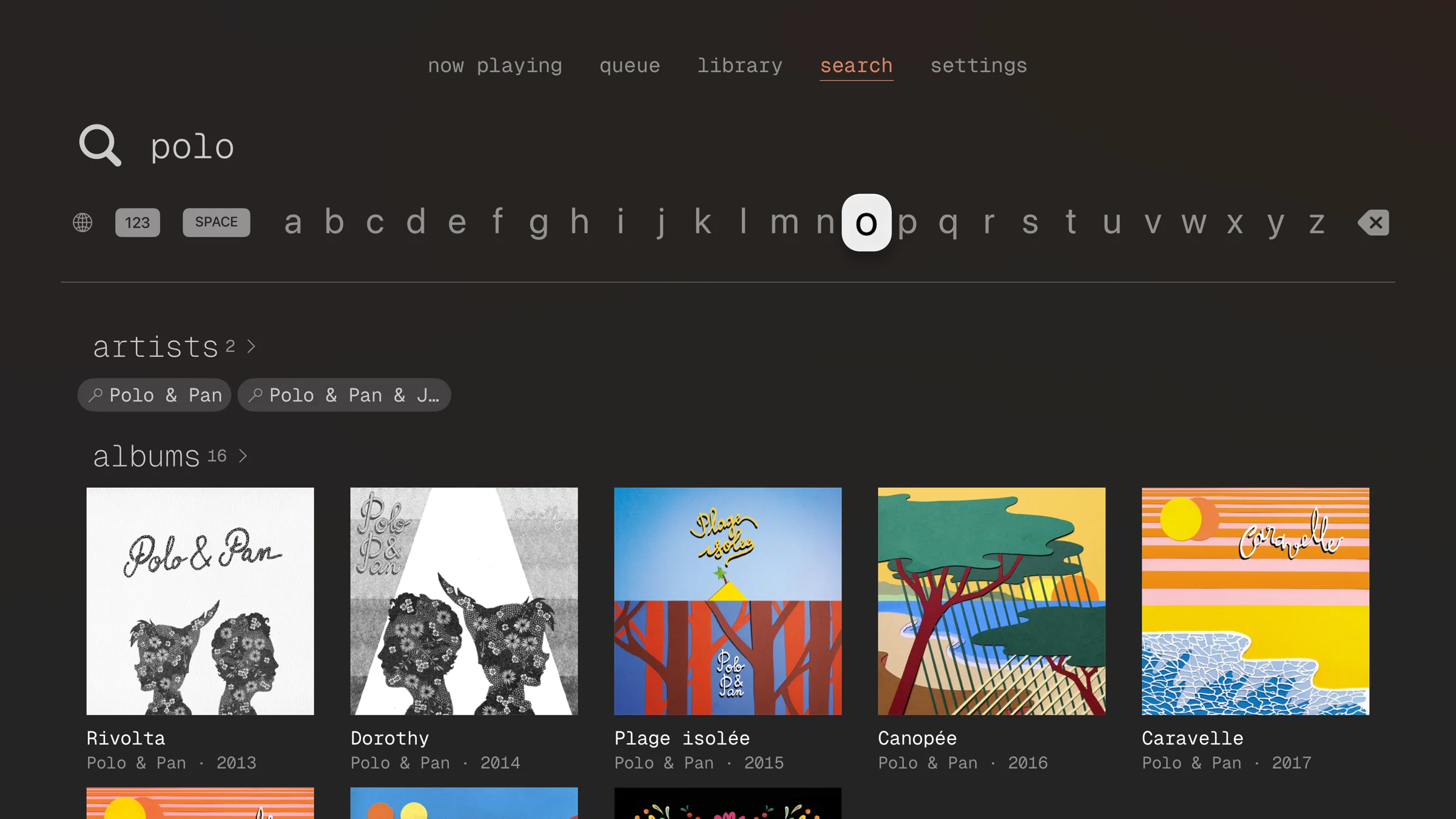
Search takes the on-screen keyboard and finds artists, albums and tracks.
Top Shelf
With kōan in the top row of the Home Screen, the shelf above it shows the records played in the last 30 days and your favourite records, at most a dozen of each. Choosing one opens its page in kōan; the remote's Play button plays it from the first track. The shelf is what kōan last saw of your library, kept for when kōan is not running, so a record played on another device appears once kōan on the TV has opened since. Until then, or when there is nothing to show, the shelf has the kōan banner.
Siri
Hold the remote's Siri button and say "Play a record in kōan": Siri asks which record and finds it in your library by name, then plays it from the first track. "Play kōan" carries on with the queue and "Pause kōan" pauses it, with kōan in the background as well as on screen.
Playing to it while it sleeps
An iPhone, iPad or Mac on the TV's network can turn the TV on and open kōan there, the way the Remote app in Control Center does. It has to be set up once per TV, and then works from every device signed in to your account.
To set it up, sign the TV in from a phone or Mac: once the TV is signed in, kōan asks whether to wake it from there. Or choose Set Up Waking… from the TV's menu in Play on (a long press on iOS); in the desktop app, the television button on the TV's row, or choosing the TV while nothing can wake it yet, does the same. The TV shows a four-digit code; type it on the phone or Mac. The TV waits about half a minute for it, and Try Again asks for a fresh one. Your server keeps the pairing for your account, which needs kōan 0.66.4 or later on the server.
From then on, choosing the TV in Control while it is asleep turns it on and opens kōan, which signs in to your server, and the music follows. The picker reads "Waking… turning the Apple TV on" meanwhile. If the TV has more than one user, tvOS shows its profile picker as it wakes; kōan plays behind it.
The TV lists the pairing under Settings › Remotes and Devices. Stop Waking in the TV's menu removes it for all your devices; removing it on the TV makes the next wake fail with a note to set it up again.
The phone or Mac has to be on the TV's network, and asks for the Local Network permission it already uses to find kōan apps. Away from home, a TV is woken only by your server's push, where the server has push on. Without that, the TV is listed as out of reach, with "Only a device on its network can switch it on". Choosing it or playing to it still tries: kōan looks for the TV again, which takes a couple of seconds, and switches it on if it is reachable after all, or says why not, rather than waiting on an address that cannot answer.
kōan looks for the TV whenever it opens and the network changes, and counts it away when the TV is not found there and the address it last answered at is reached over mobile data or through a network that does not hold it. Over a VPN it is tried, since the VPN may lead home. A TV whose address this device has never learnt is tried as before, and so is one from another network that happens to use the same addresses as home.
Sample rates
The Apple TV app asks tvOS for each track's sample rate and shows the rate the output then runs at; over HDMI that is the one the television or receiver negotiates, and a different one means tvOS resampled. See Sample rates on iOS.
What it leaves out
It is a device to play on rather than to curate: playlists are made on a phone or a computer, and the cache looks after itself, so neither is editable on the TV. EQ presets are chosen there but made elsewhere. Share links appear as a code to scan, since a television has no pasteboard.